
Your family's health records, explained.
Step-by-step guides for the ArogyaKosha web portal and the Android app — from setting up your Vault PIN to sharing a summary with your doctor.
Popular: Forgot my PIN Invite family Upload a document Download an invoice
👋
New to ArogyaKosha?What it does, how your data is protected, and the few ideas everything else builds on.
🚀
Set up in 5 minutesCreate your account, choose a Vault PIN and save your recovery code.
🗂️
Add your first documentScan a prescription or upload a lab report — optionally let AI fill in the details.
👨👩👧👦
Bring in your familyInvite your spouse, add children and parents, and switch between their records.
Two ways to use ArogyaKosha
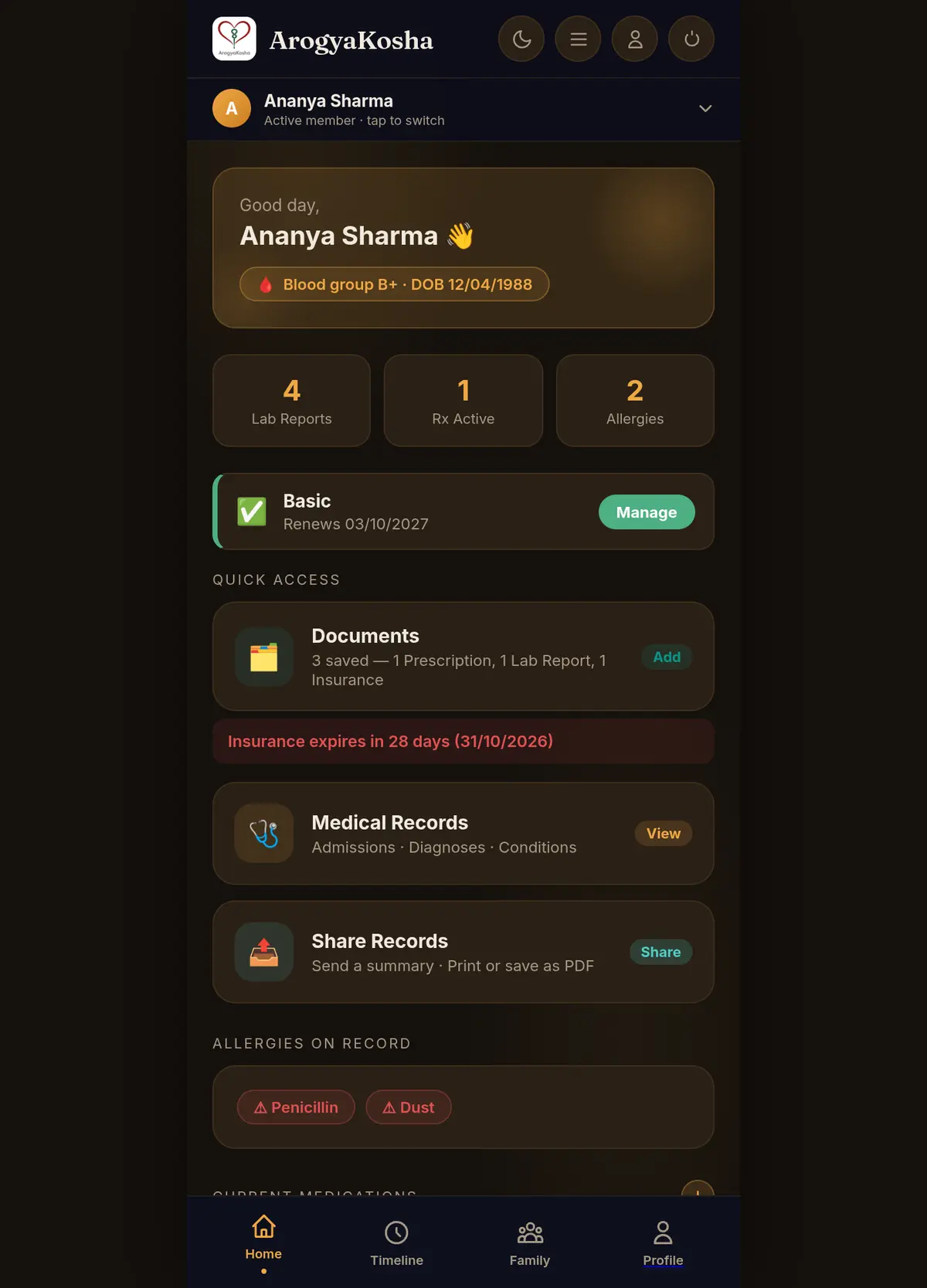
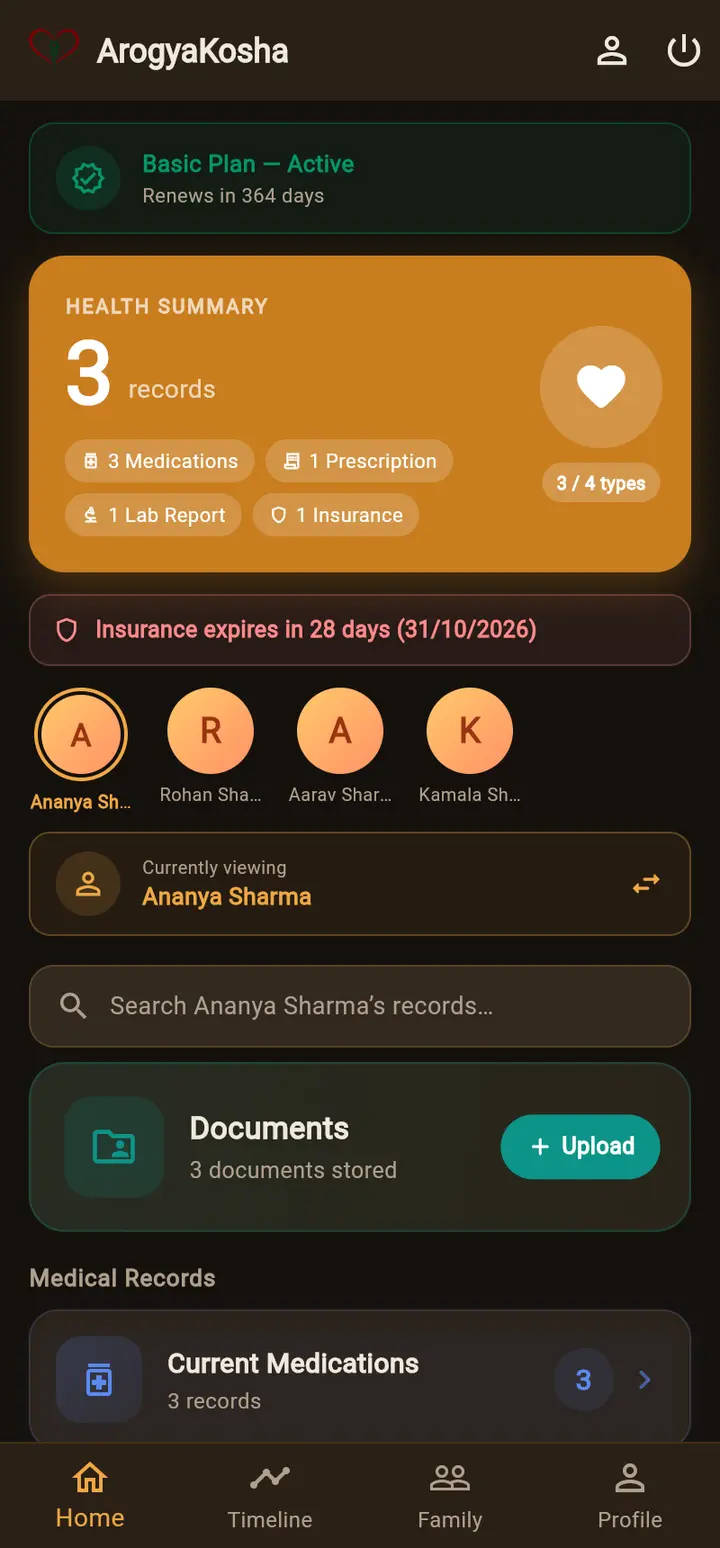
The web portal at arogyakosha.in and the Android app use the same account, the same Vault PIN and the same records. Anything you add in one appears in the other. Wherever the steps differ, this guide shows them side by side — pick Web portal or Android app once and every page follows your choice.
Browse by topic
🔐
Vault PIN & recoveryHow encryption works, unlocking, and what to do if you forget your PIN.
💊
Medications & prescriptionsTrack what's being taken now, and every course a doctor has prescribed.
🔬
Lab reportsRecord test results with units and reference ranges.
🕒
Timeline & searchSee a person's health history in order and find anything fast.
📤
Share & exportSend a summary to a doctor, print it, or back up your data.
⭐
Plans & invoicesFree trial, Basic and Pro plans, payments and GST invoices.
Need a person? If the guide doesn't answer your question, contact support. Please never send us your Vault PIN or recovery code — we will never ask for them.