
Lab reports
Record test results with their units and reference ranges, see at a glance whether each is within range, and attach the original report.
Lab Reports holds individual test results — HbA1c, lipid profile, thyroid, scans and more — each with its lab, date, result, unit and reference range. A lab report you upload under Documents appears here too.
Open Lab Reports
On Home, select the Lab Reports number in the quick stats. Select a report to expand it and see the result, its reference range with a Within range, Above range or Below range label, the lab and the date.
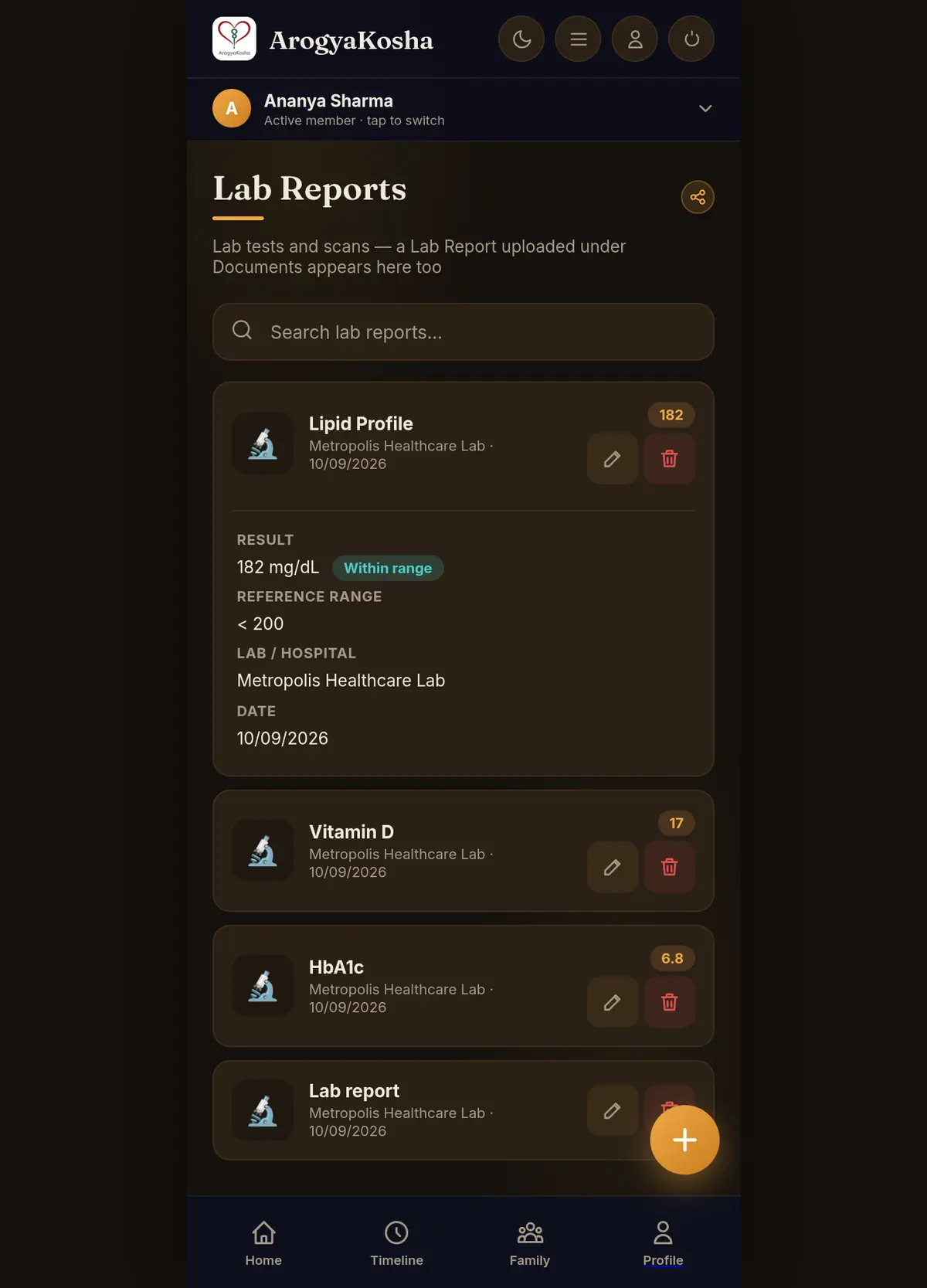
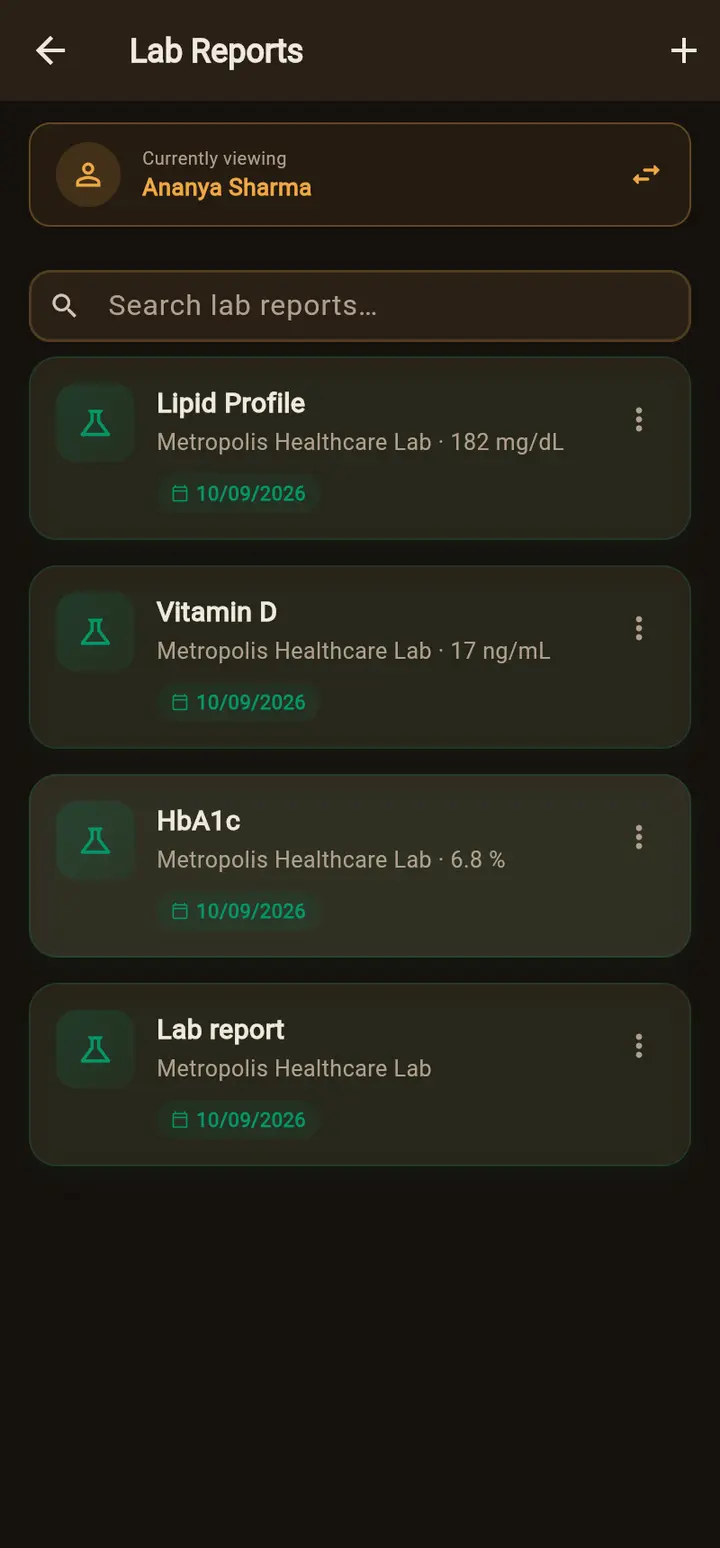
Open Timeline, tap any lab report and choose View All Lab Reports, or use Search. Each card shows the lab and result. Tap it for the full details, or open the original report file.
Add a result
- Open the formSelect + on the Lab Reports screen.
- Choose the testPick it from the list — CBC, blood sugar, HbA1c, lipid profile, thyroid, liver and kidney function, urine, X-ray, ultrasound, CT and more. If it isn't listed, choose Other and type the name.
- Enter the resultAdd the lab or hospital, the report date, and the Result — a number such as 126 or a word such as Negative. Add the Unit (e.g. mg/dL) and Reference range (e.g. 70 - 100) so ArogyaKosha can tell whether it's within range.
- SaveThe result appears in Lab Reports and on the Timeline.
Uploaded reports without results
If you uploaded a lab report without AI auto-fill, the file is saved but the individual results aren't. On the web these are listed under Uploaded lab reports without results at the bottom of Lab Reports — select Add results to type them in, linked to the uploaded file. In the app such a report shows No result yet — edit this report to add the result, unit and reference range.
Upload a multi-test report with AI auto-fill and every test on it becomes its own Lab Reports entry in one go.