
Security settings
Change your Vault PIN, generate a new recovery code, turn on fingerprint unlock, and understand what ArogyaKosha does — and doesn't — protect.
Change your Vault PIN
Only the family owner (or someone not in a family) can change the PIN, because the whole family shares it. Other members see Your family shares one vault PIN, managed by the family owner.
- Open SecurityGo to Profile → Security (or ☰ → Security).
- Change PINSelect Change PIN, enter your current PIN, then the new PIN twice.
- SaveSelect Save New PIN. Your records stay as they are — only the key that protects them changes.
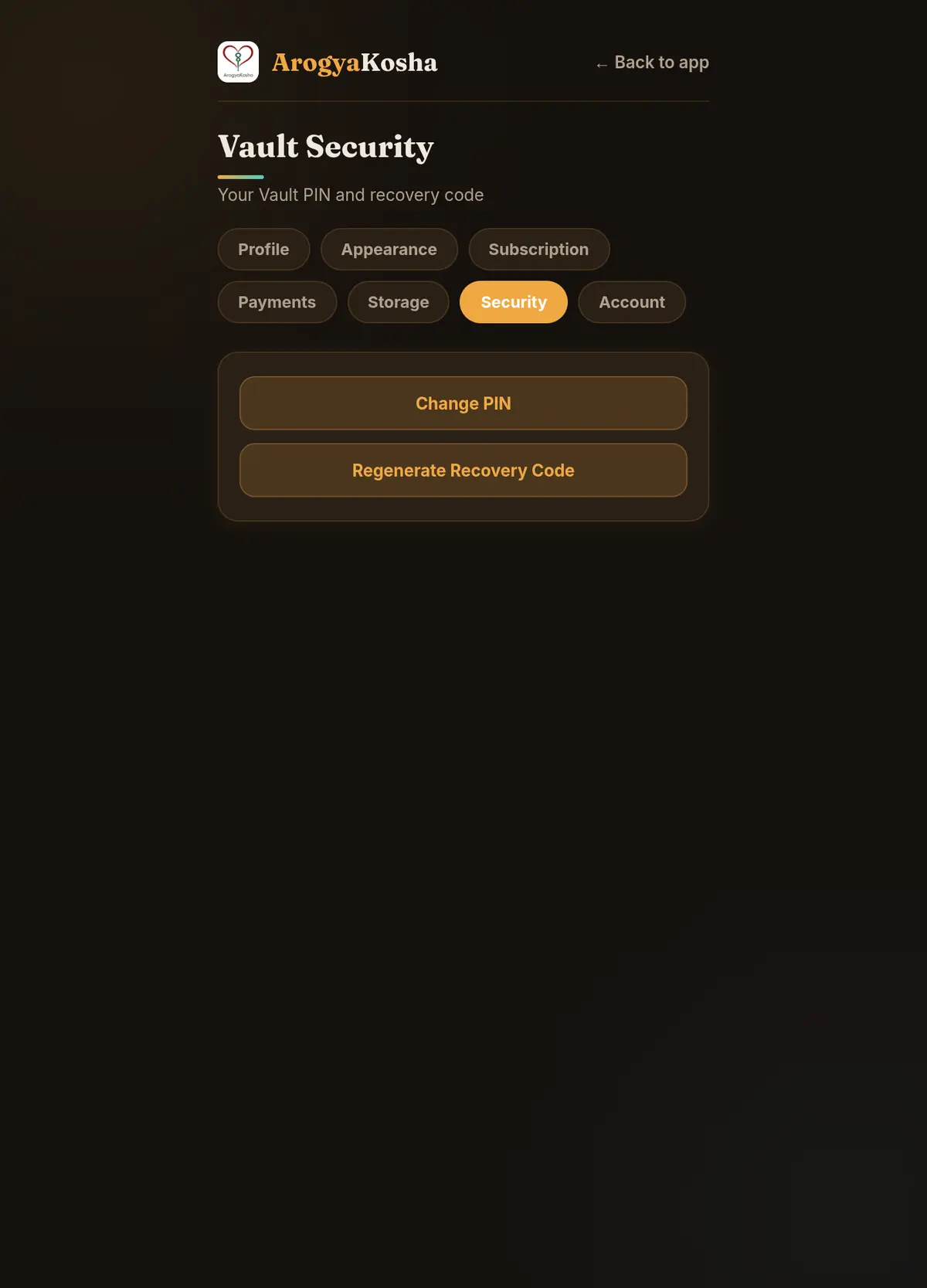
- Open Vault SecurityGo to Profile → Vault Security.
- Change PINEnter your current PIN, the new PIN and confirm it, then tap Save New PIN.
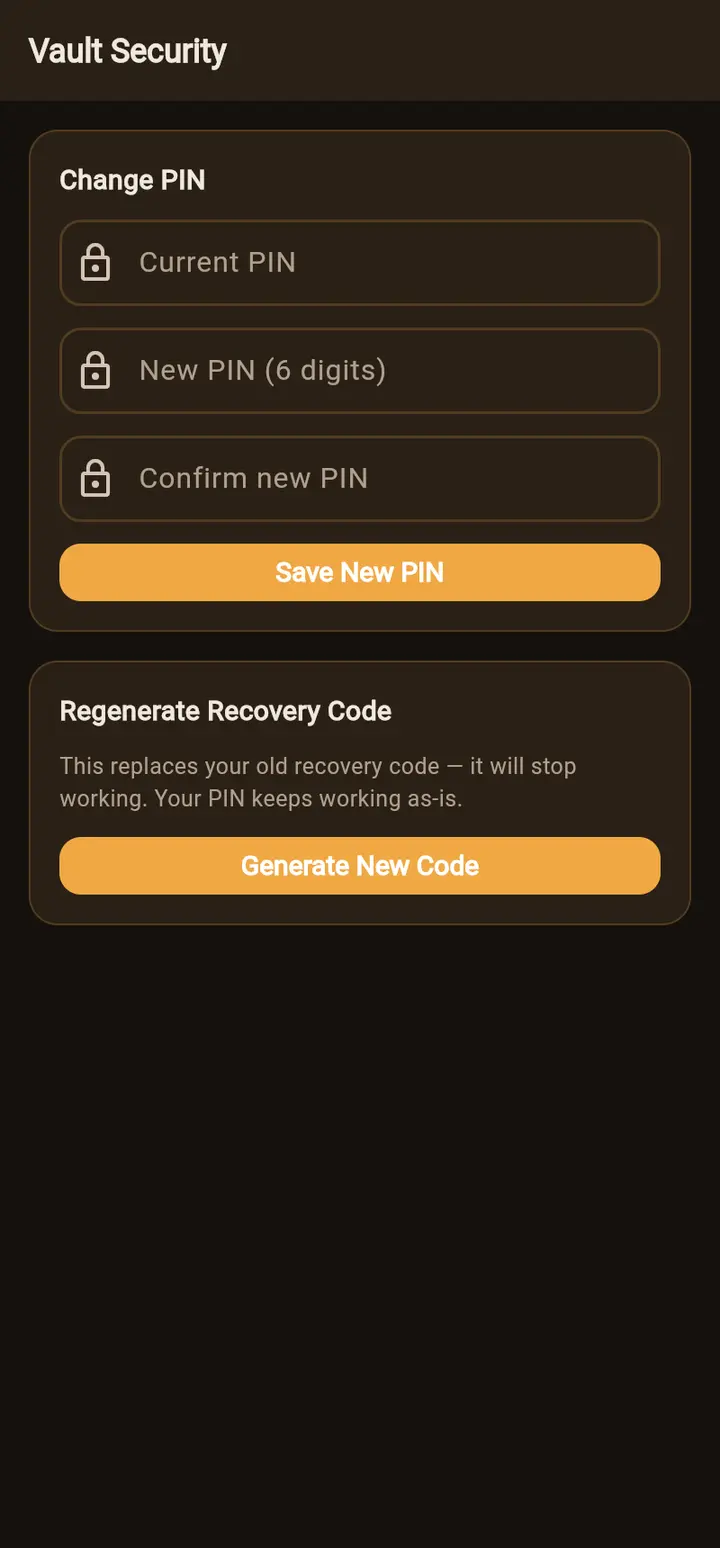
Tell the rest of your family after changing the PIN — they'll need the new one next time they unlock.
Generate a new recovery code
In the same Security section, choose Regenerate Recovery Code → Generate New Code. The old code stops working immediately and your PIN keeps working. Save the new code somewhere safe — it's shown only once. Do this if you've lost your code or think someone else has seen it.
Fingerprint or face unlock (Android)
In the app, turn on Profile → Biometric Login and confirm with your fingerprint or face. From then on you can unlock ArogyaKosha with biometrics instead of typing your PIN. Your phone stores the key in its secure hardware, and if biometrics change on the phone you'll simply be asked for your PIN again.
Automatic locking
- Web — the vault locks after 15 minutes without activity, and whenever you close the tab. Signing out clears it from the browser completely.
- App — the app asks for your PIN or biometrics each time it's opened.
What's protected, and how
| Data | Protection |
|---|---|
| Medical records and their details | Encrypted on your device with your Vault PIN (AES-256). Unreadable to ArogyaKosha. |
| Uploaded files and their file names | Encrypted on your device with your Vault PIN. |
| Name, email, phone, date of birth, plan | Encrypted in transit and stored securely, but readable by ArogyaKosha so we can run your account. |
| Documents you choose to “Agree & Extract” | That one file is sent to Google Gemini to be read, and is not used to train AI models. |
Read the full Privacy Policy for details, including your rights and how to contact our Grievance Officer.