
Member Guide › Account & billing
Delete your account
Permanently delete your ArogyaKosha account with all of its records and files — from the web, the app, or without signing in.
This is immediate and permanent. Deleting your account removes your login, every medical record, every uploaded file and your vault's encryption keys. Nobody — including ArogyaKosha — can recover them afterwards. Consider exporting a backup first.
Before you start
- Family owners: if other members are still in your family, you can't delete your account yet — the family's PIN and dependents depend on it. Remove the other members first, or ask them to move to another family.
- Paid plans on Android: deleting your account does not cancel a Google Play subscription. Cancel it in the Play Store too, so you're not charged again.
- Tax invoices for past payments are kept for the period the law requires, even after your account is deleted.
Delete your account
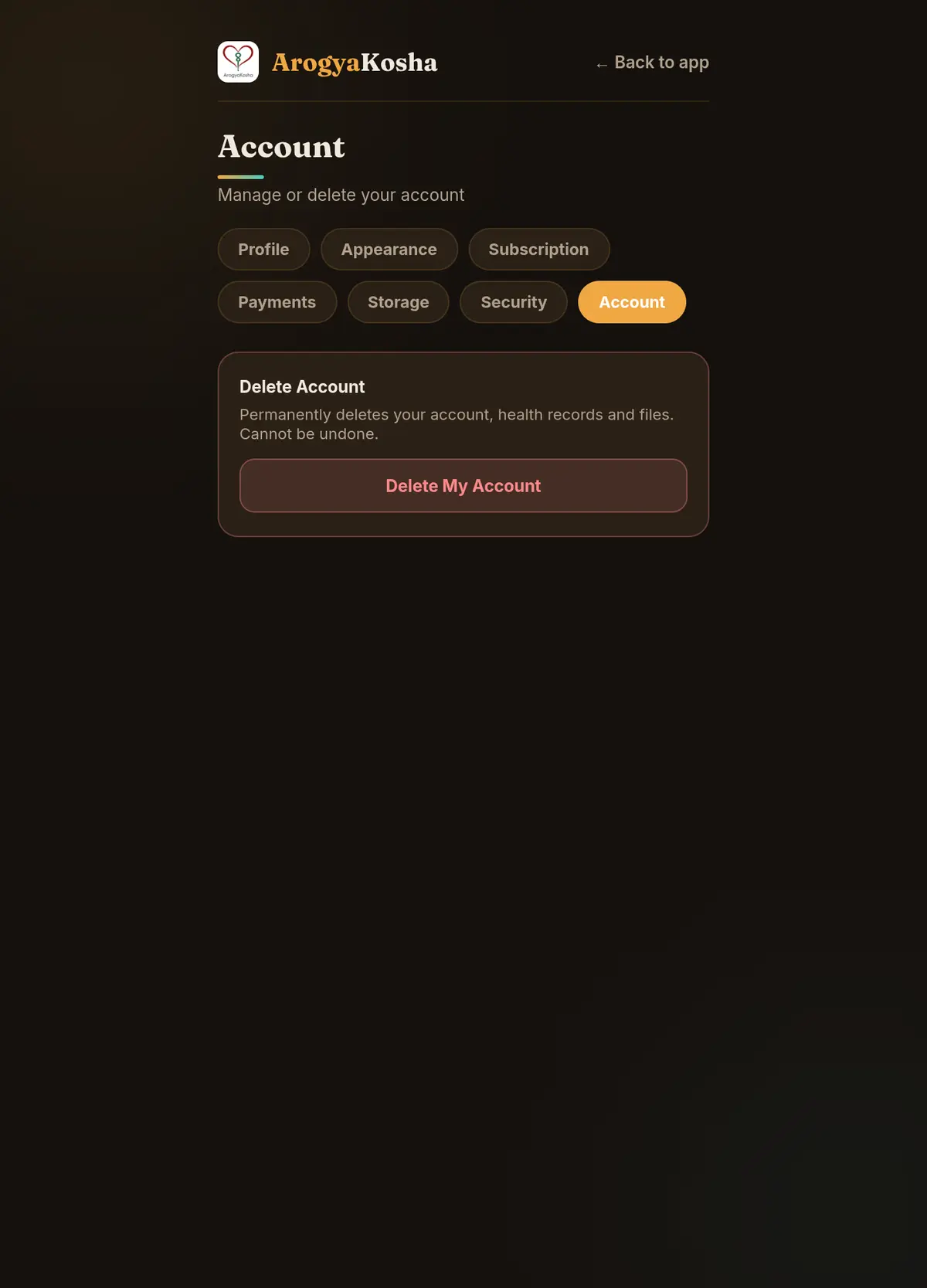
- Open Account settingsGo to Profile → Account (or ☰ → Account).
- Start deletionSelect Delete My Account.
- ConfirmType
DELETEto confirm. Your account is deleted and you're signed out.
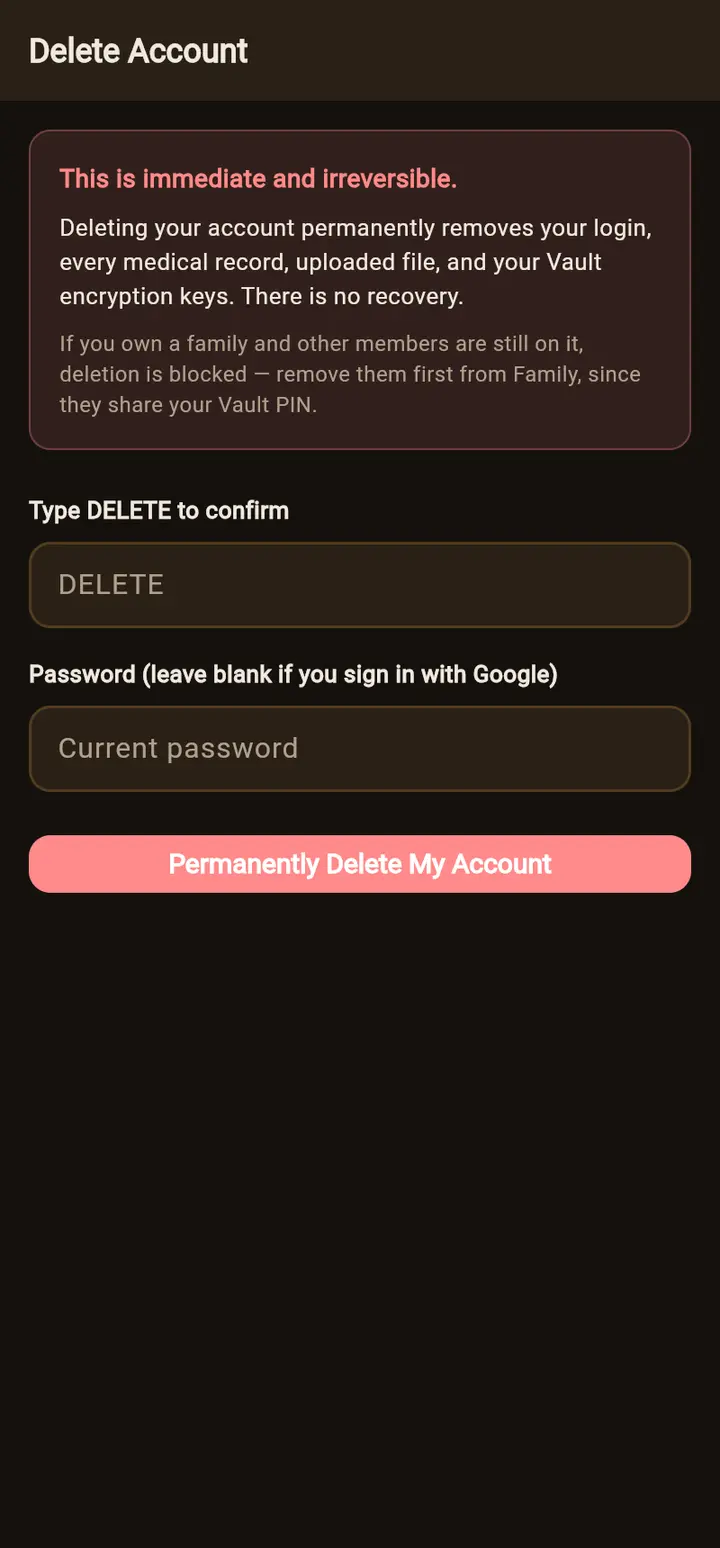
- Open Delete AccountGo to Profile → Delete Account.
- ConfirmType
DELETE, and enter your current password (leave it blank if you sign in with Google). - DeleteTap Permanently Delete My Account.
Can't sign in any more?
Visit arogyakosha.in/delete-account. It explains how to request deletion by email from your registered address if you've lost access to your account.