
Admissions, diagnoses & conditions
Record hospital stays, what doctors have diagnosed, and long-term conditions such as diabetes or hypertension.
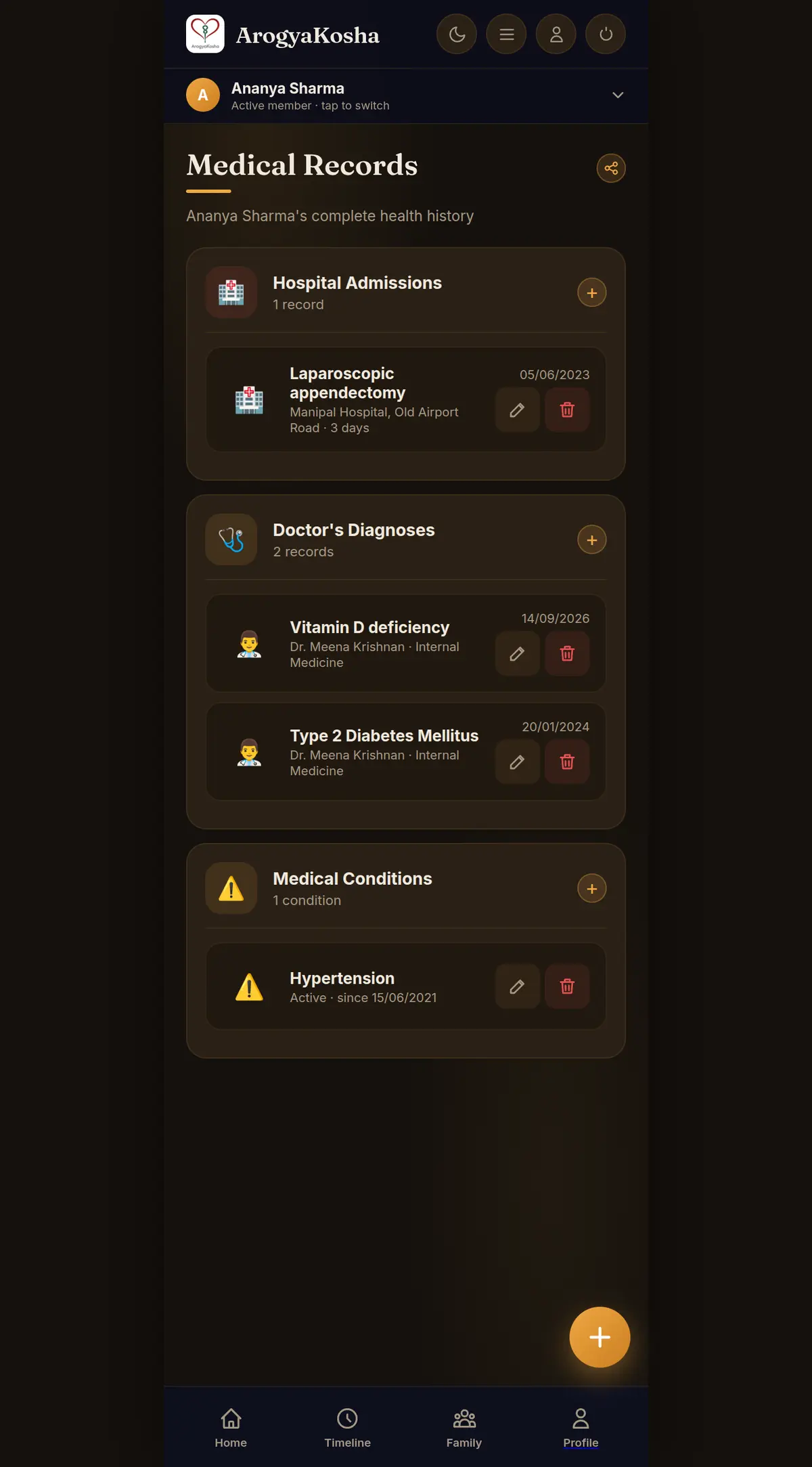
Medical Records brings together three kinds of record that make up a person's health history:
| Record | Use it for | Example |
|---|---|---|
| 🏥 Hospital admissions | Hospital stays and procedures | Laparoscopic appendectomy · Manipal Hospital · 3 days |
| 🩺 Doctor's diagnoses | Something a doctor found at a particular visit | Vitamin D deficiency · Dr. Meena Krishnan |
| ⚠️ Medical conditions | Ongoing, long-term conditions — not tied to one visit | Hypertension, active since 2021 |
Open Medical Records
On Home, select Medical Records under Quick Access. The page shows three cards — Hospital Admissions, Doctor's Diagnoses and Medical Conditions — each with its own + button and a count. Use the share icon at the top to share all of them (see Share & export).
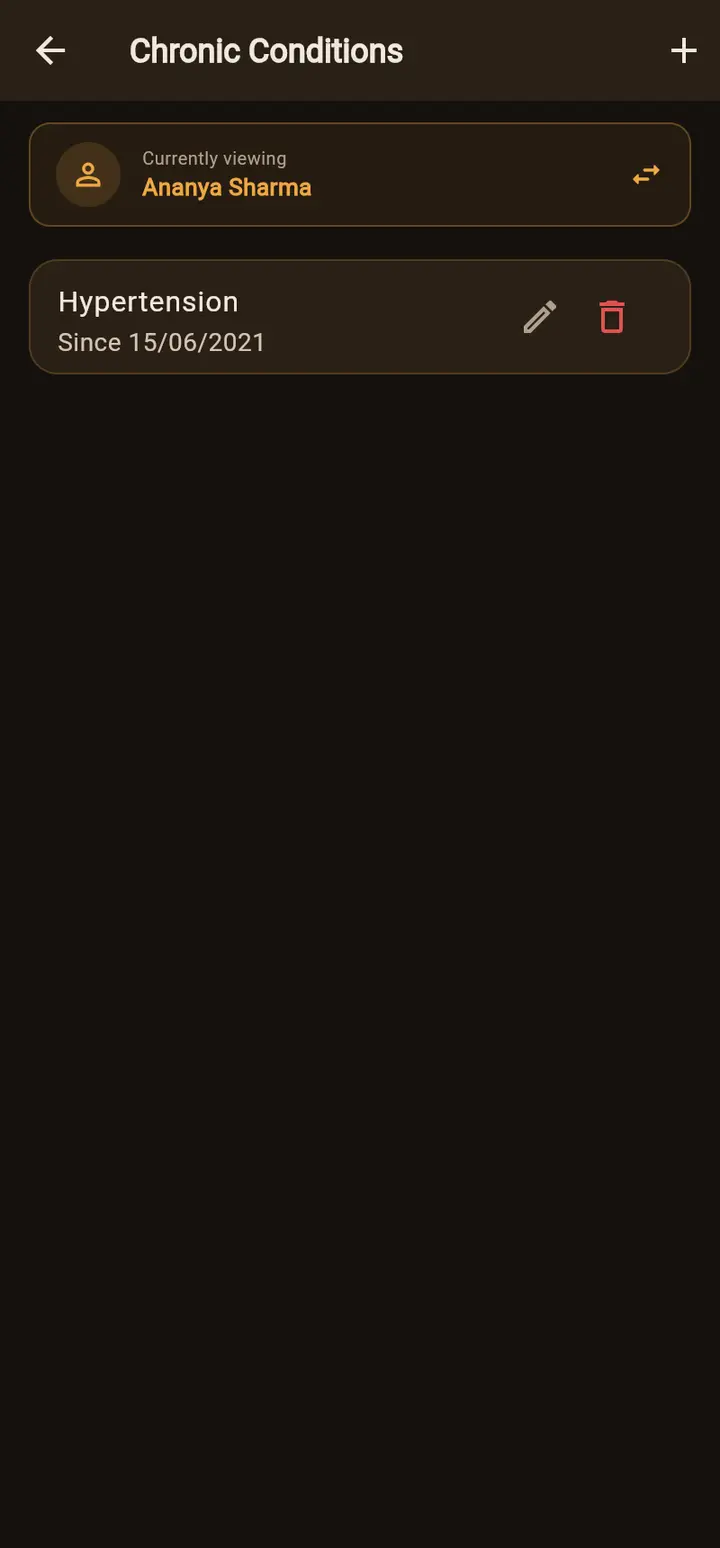
Admissions and diagnoses are on the Medical Records screen, with an Admissions tab and a Diagnoses tab. Reach it from the Timeline (tap an admission or diagnosis, then View All), from Search, or from Unlinked records on Prescriptions. Long-term conditions have their own Chronic Conditions card on Home.

Add a hospital admission
Select + on Hospital Admissions. Enter the hospital or procedure (required), details such as ward, length of stay or discharge summary, and the admission date.
Add a diagnosis
Select + on Doctor's Diagnoses. Enter the diagnosis (required), the doctor and specialty, and the date. To link a diagnosis to the prescription from the same visit, add it from that document instead — the 🩺 button on a prescription in Documents (web) or the Diagnoses from this document box on its detail screen (app).
Add a medical condition
Select + on Medical Conditions (web) or Chronic Conditions (app). Enter the condition name, optionally the date it started (Since), and whether it is Active or Resolved. Mark a condition resolved instead of deleting it to keep the history.
Diagnosis or condition? “Viral fever, March 2026” is a diagnosis — it belongs to a visit. “Type 2 diabetes” is a condition — it's ongoing. Diabetes might be both: first diagnosed at a visit in 2024, and listed as an active condition from then on.
Edit, move or delete
Every entry has edit and delete buttons (web) or opens for editing when tapped (app). In the app's edit forms, Move to another member refiles a record under the right person.