
Profile, appearance & storage
Keep your personal and health details up to date, choose a colour theme, and see how much storage your family is using.
Your personal and health details
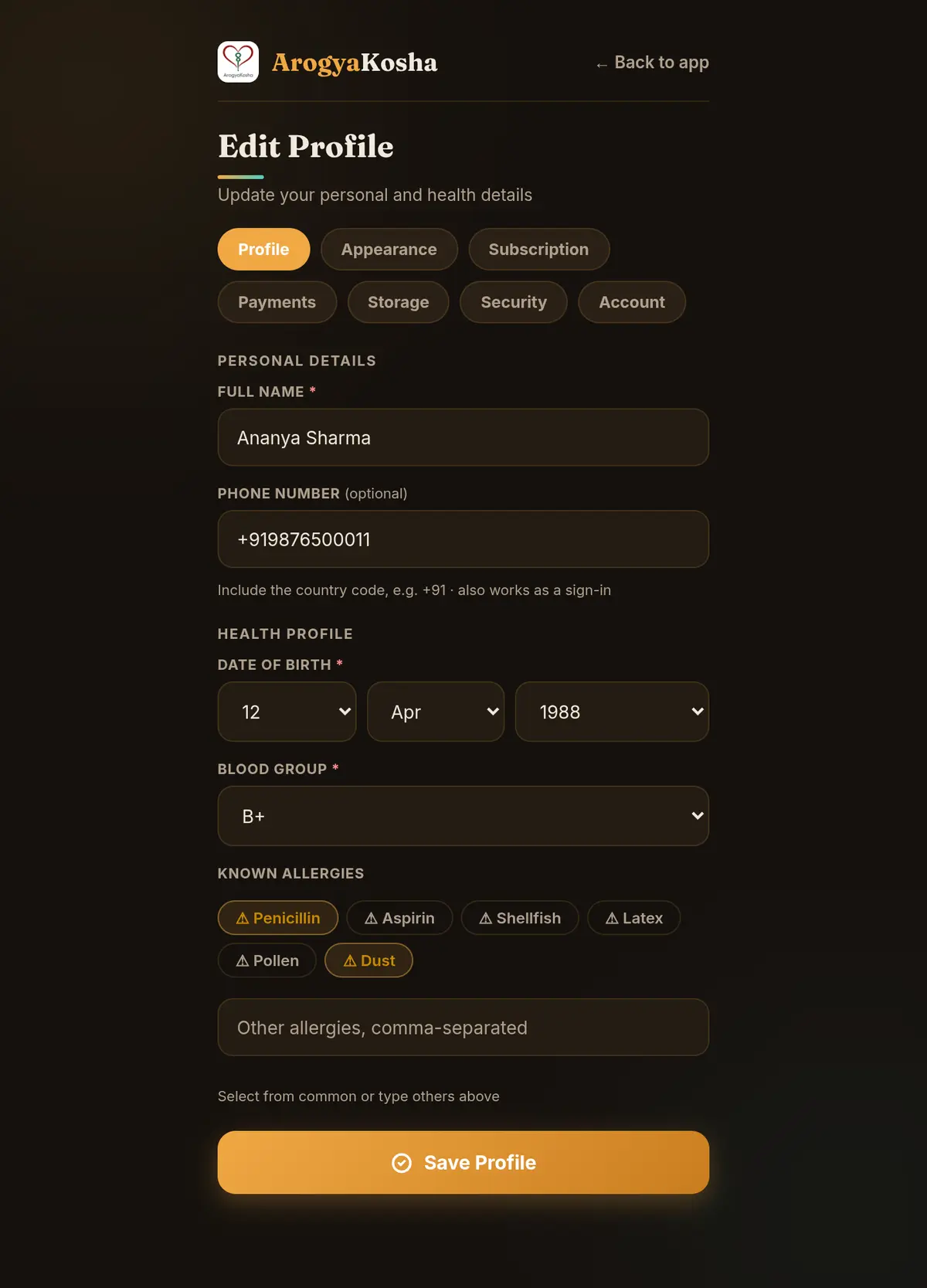
Your name, phone number, date of birth, blood group and allergies appear on Home and in shared summaries — and are the first things a doctor asks. Keep them current.
- Open ProfileSelect Profile in the bottom bar (or ☰ → Profile).
- Update your detailsEdit your Full Name, Phone Number (with country code, e.g. +91 — it also works for signing in), Date of Birth and Blood Group. Tap the common allergy chips, or type others separated by commas.
- SaveSelect Save Profile.
The tabs at the top of the page — Profile, Appearance, Subscription, Payments, Storage, Security and Account — jump between the settings sections.
- Open ProfileTap Profile in the bottom bar.
- EditTap the pencil at the top. Update your name, phone, date of birth, blood group and allergies. Tap the camera badge on the picture to add a profile photo.
- SaveTap Save Changes.
The chips at the top of Profile switch between family members, so you can review anyone's details.
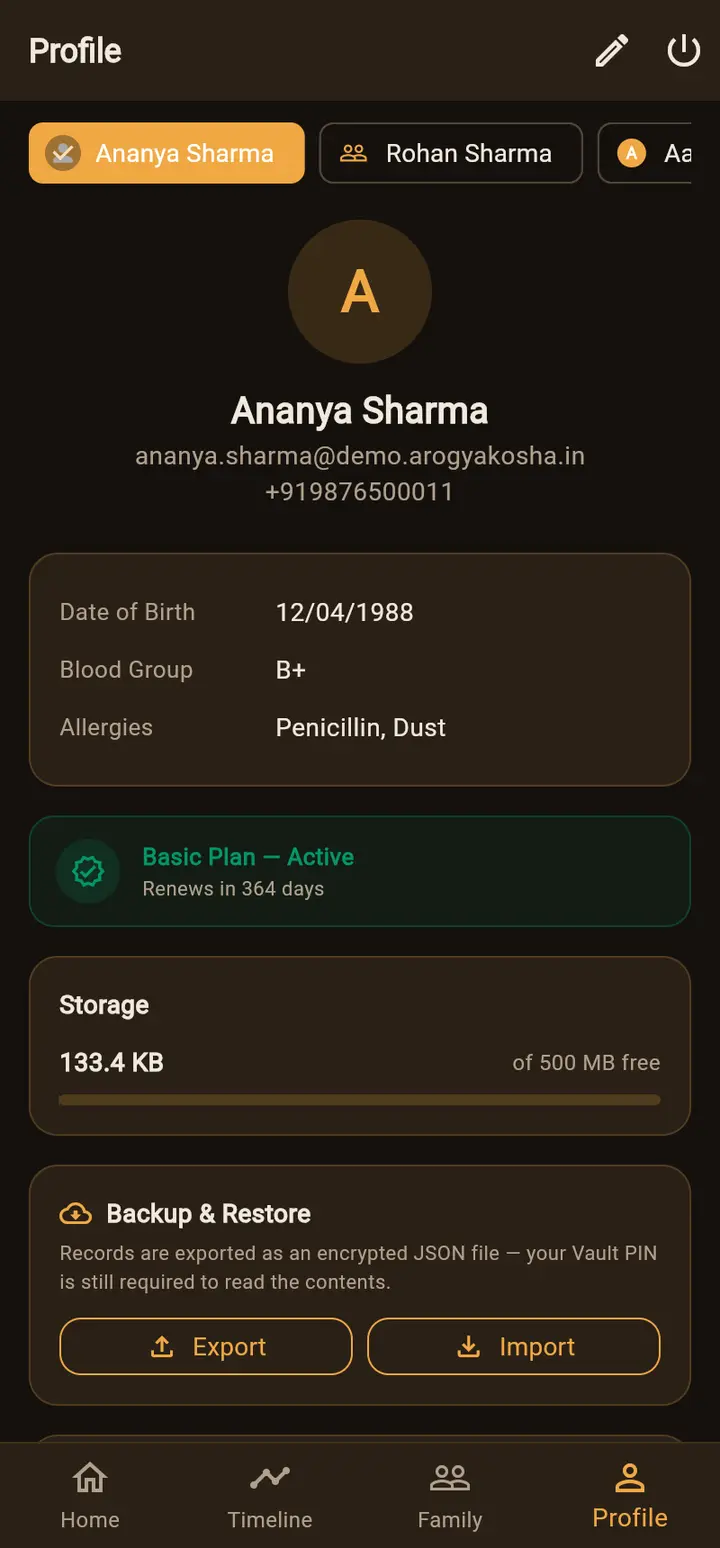
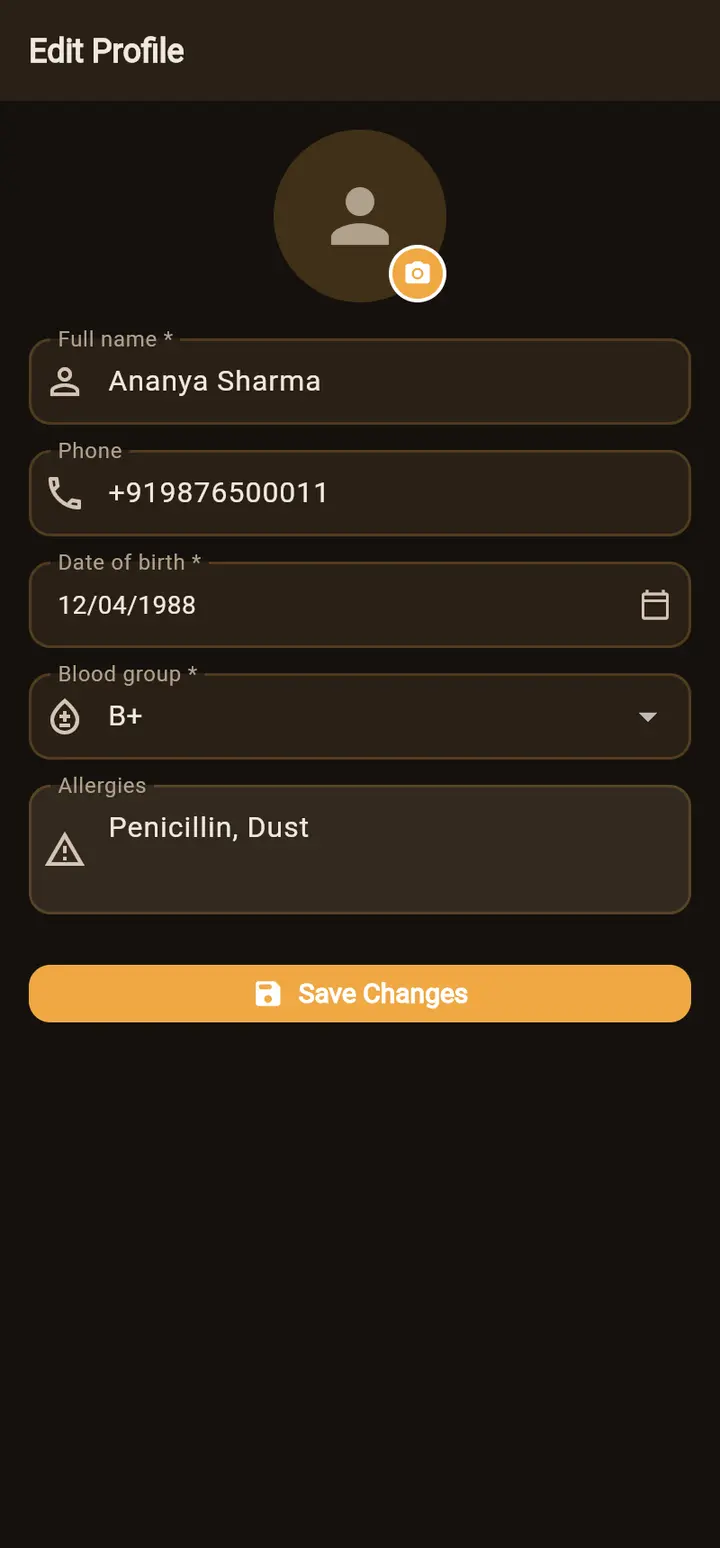
To change a family member's or dependent's details, edit them from Family.
Appearance
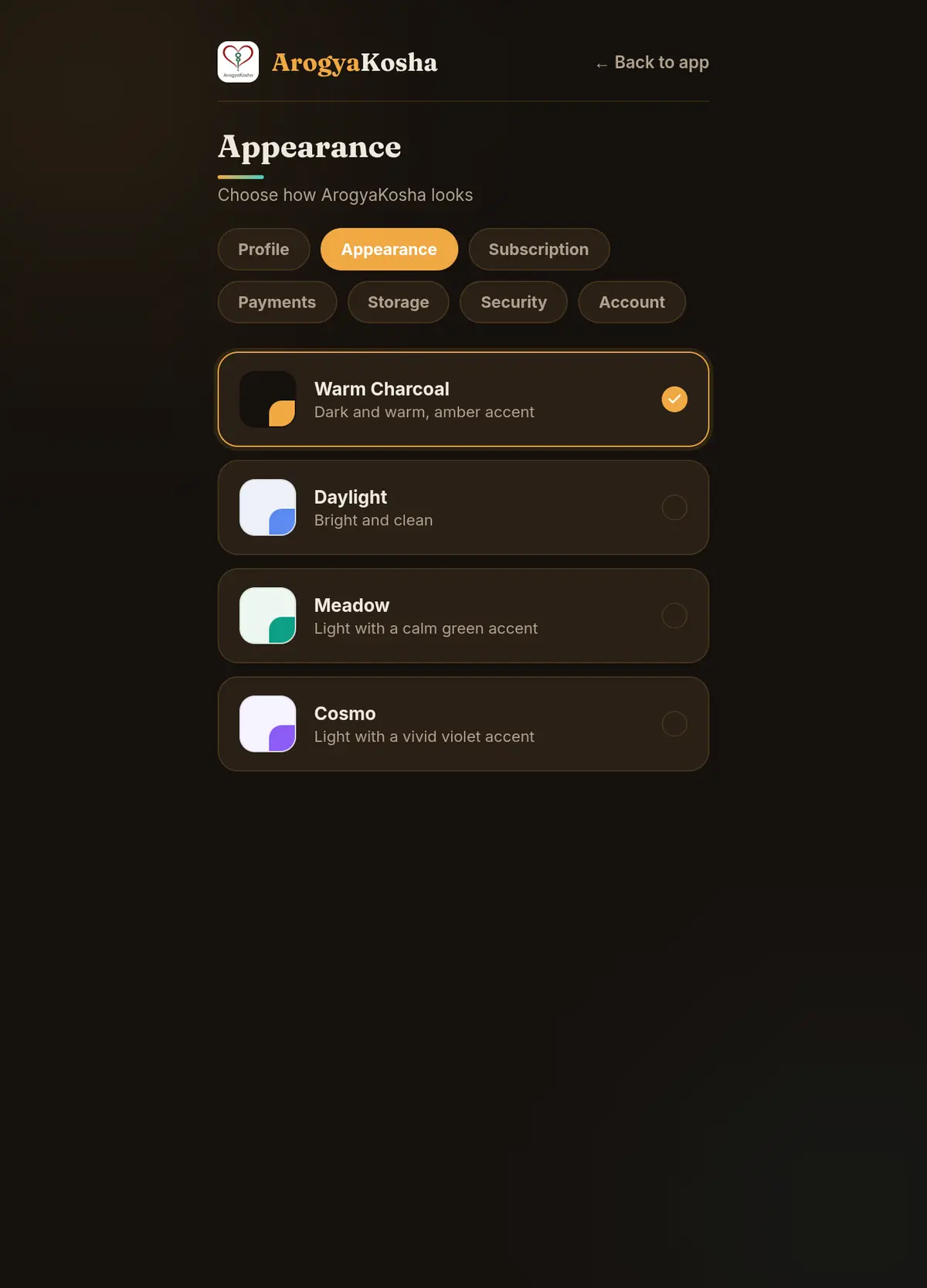
Choose one of four colour themes. Your choice is saved to your account, so it applies on the web and in the app.
| Theme | Look |
|---|---|
| Warm Charcoal (“Midnight” in the app) | Dark and warm, with an amber accent |
| Daylight | Bright and clean |
| Meadow | Light, with a calm green accent |
| Cosmo | Light, with a vivid violet accent |
Web: Profile → Appearance. App: Profile → scroll to Appearance.
Storage
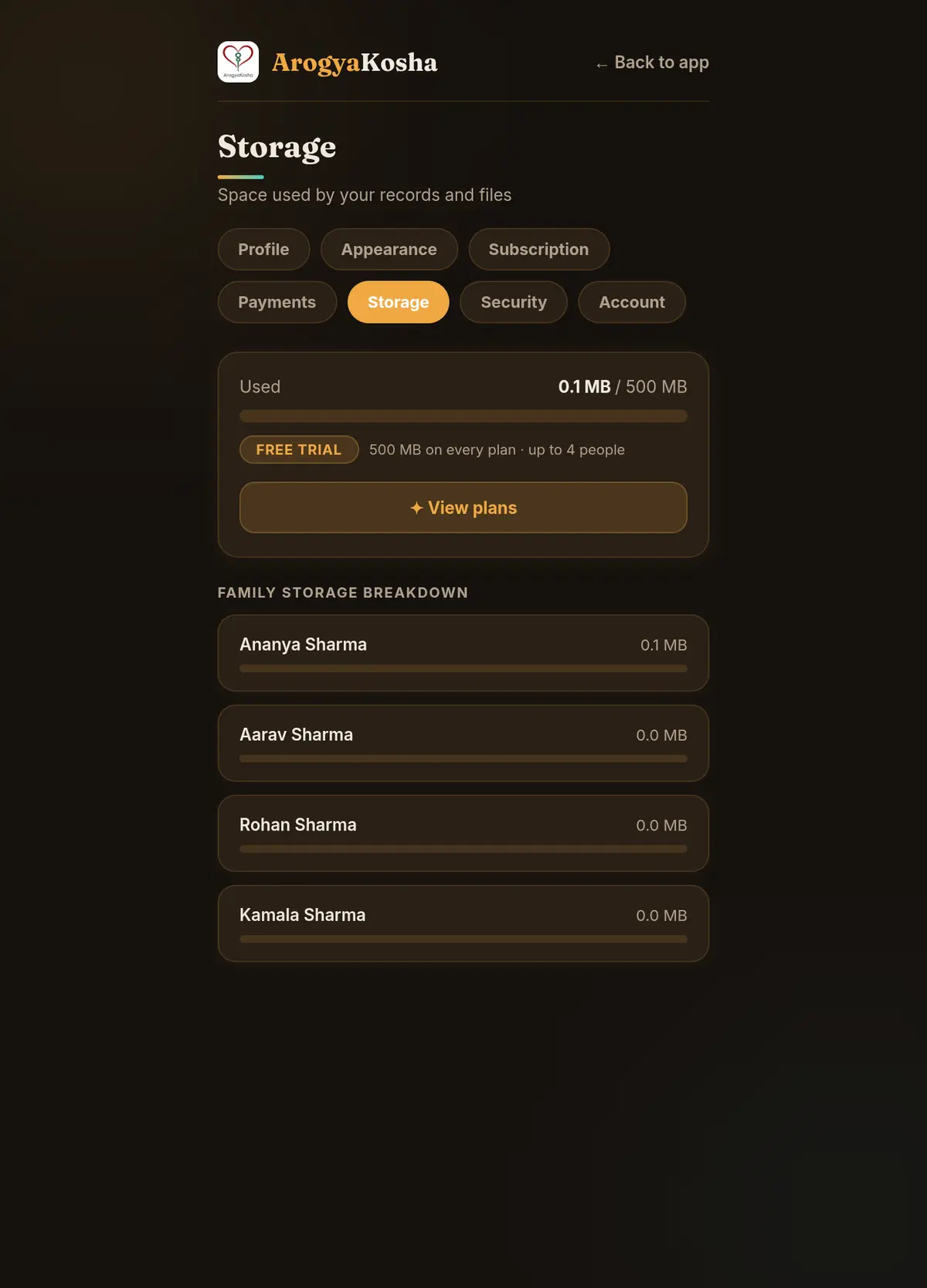
Every plan includes 500 MB for uploaded documents and attachments, shared by the whole family. Typed records take almost no space. Web: Profile → Storage shows what's used, and the family owner also sees a breakdown per person. App: the Storage card on Profile.
Running low? Delete duplicate scans, and upload multi-page reports as one compressed PDF rather than many photos.