
Timeline & search
See a person's whole health history in date order, filter it by type or month, and find any record in seconds.
The Timeline
The Timeline lists the active member's prescriptions, lab reports, admissions and diagnoses in date order, newest first, grouped by month. It's the quickest way to answer “when did this start?” or to brief a new doctor.
Select Timeline in the bottom bar. To narrow it down:
- Use the month and year drop-downs to jump to a period.
- Use the chips — All, Prescriptions, Lab Reports, Admissions, Diagnoses — to show one kind of record.
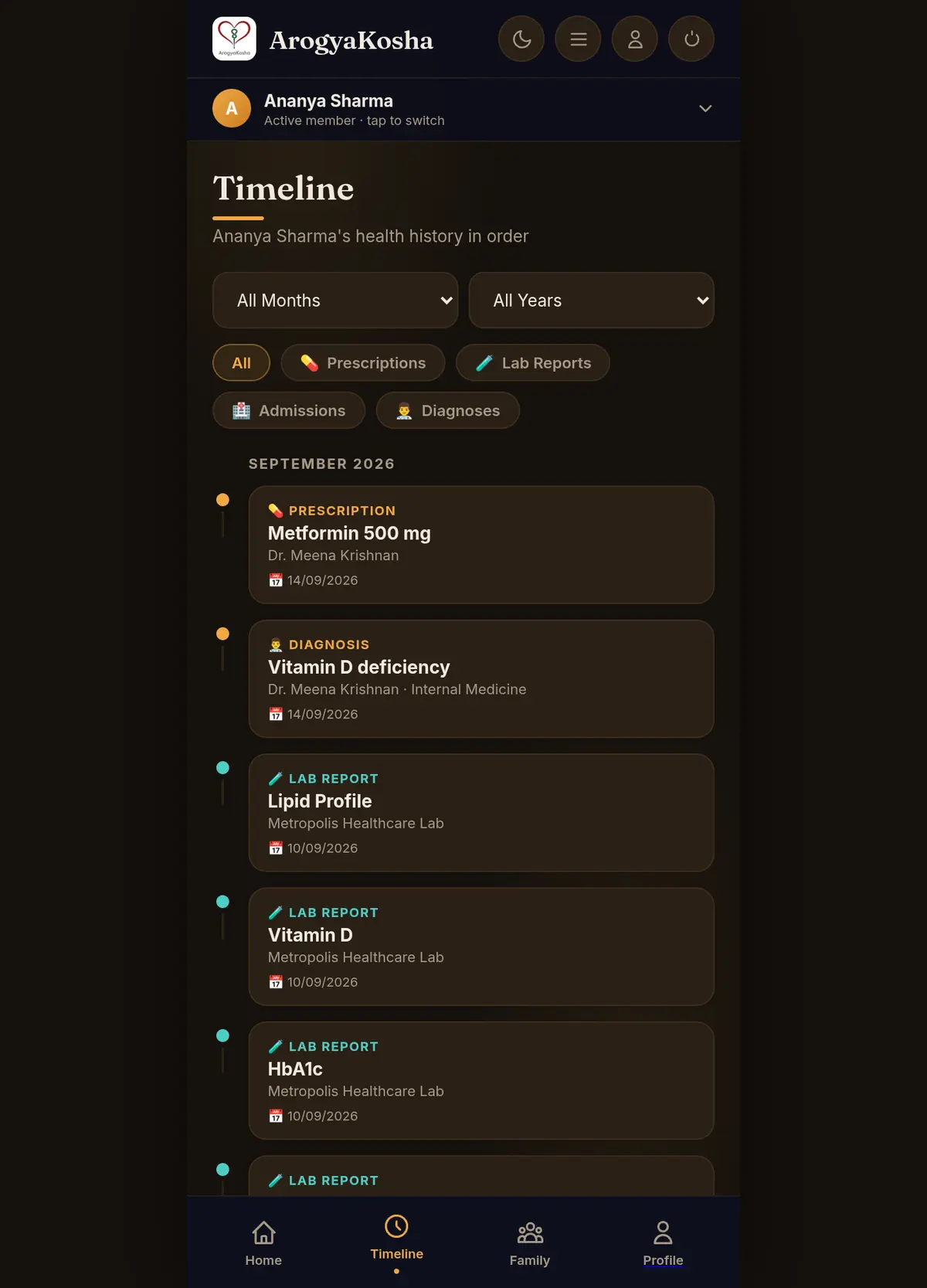
Tap Timeline in the bottom bar. Tap any entry to see its details, then View All … to open the full list of that kind — all prescriptions, all lab reports, or Medical Records for admissions and diagnoses.
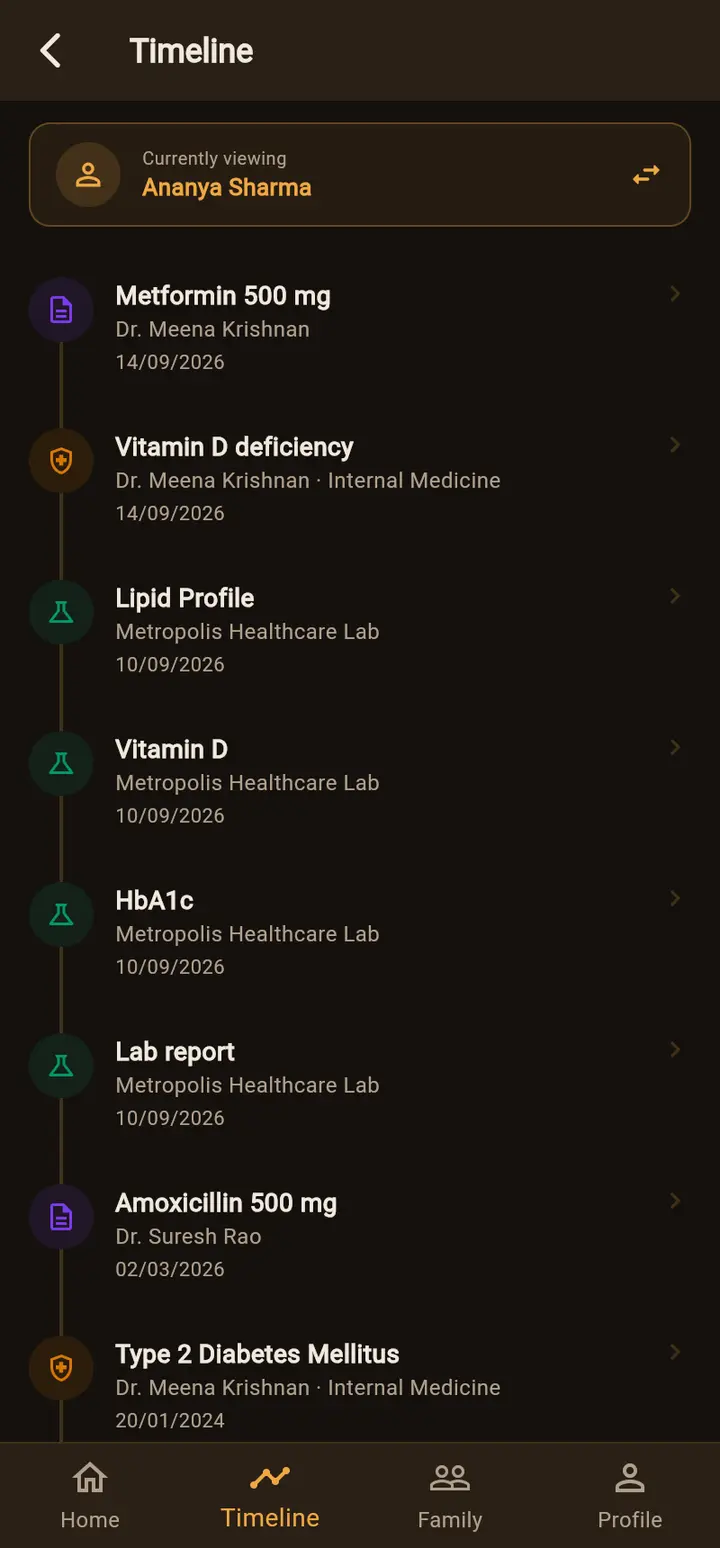
Records appear on the Timeline under the date you entered for them — the visit or report date — not the day you added them. Enter dates carefully when adding older records.
Search
Each list — Current Medications, Documents, Prescriptions and Lab Reports — has its own search box at the top that filters the list as you type.
Tap the search bar on Home (Search … records). One search covers everything recorded for the active member. Type a date (dd/mm/yyyy), a doctor, medicine, hospital, lab, diagnosis or insurance company, and matching records appear as you type. Tap a result to open it.
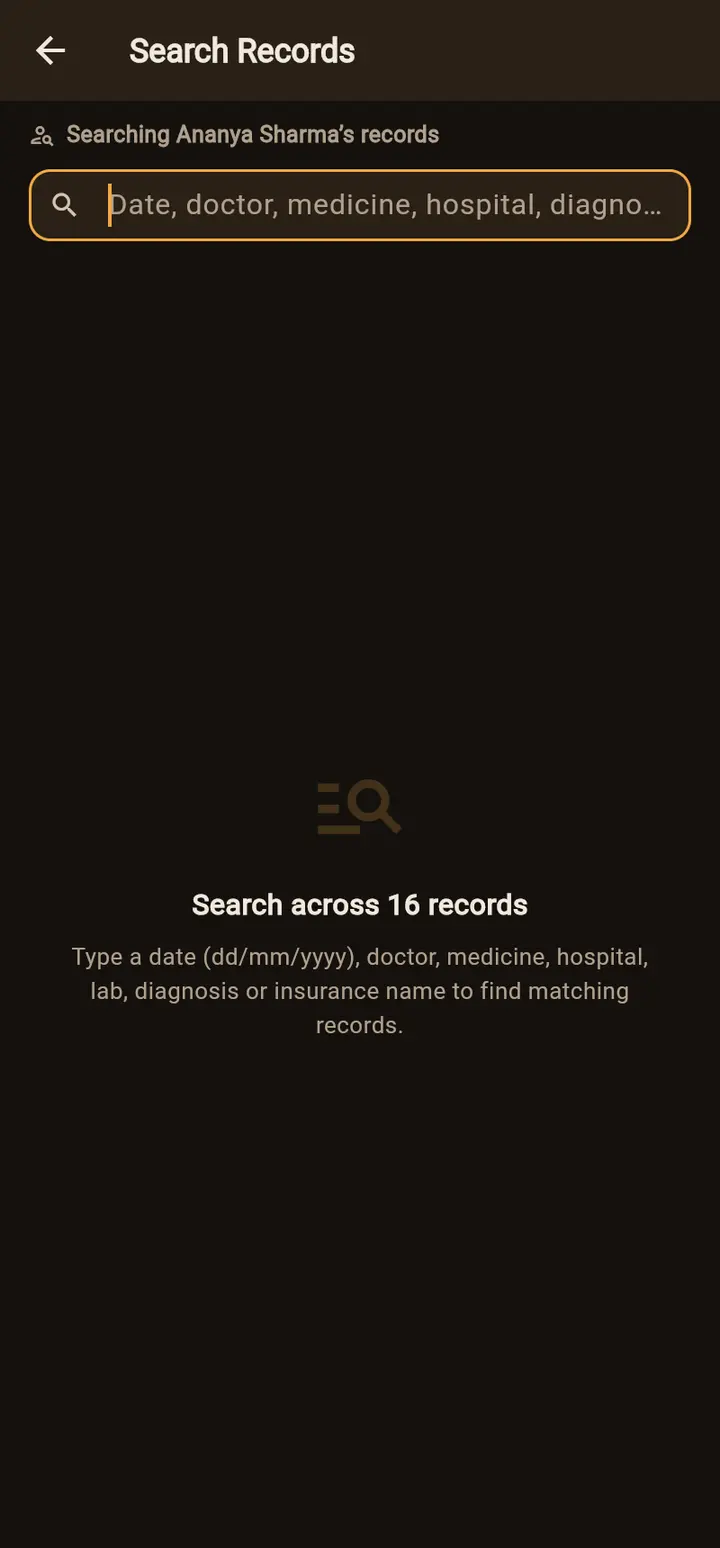
Because your records are encrypted, searching happens on your own device after your vault is unlocked. Nothing you type in a search box is sent to ArogyaKosha.